 Optional Labs
 SaifuCredit card advisor
 ParchiMedical papers
 TegamiCity-hall letters
ZeroAuth
Authenticator for iPhone and Android
Secure your digital life with ZeroAuth.
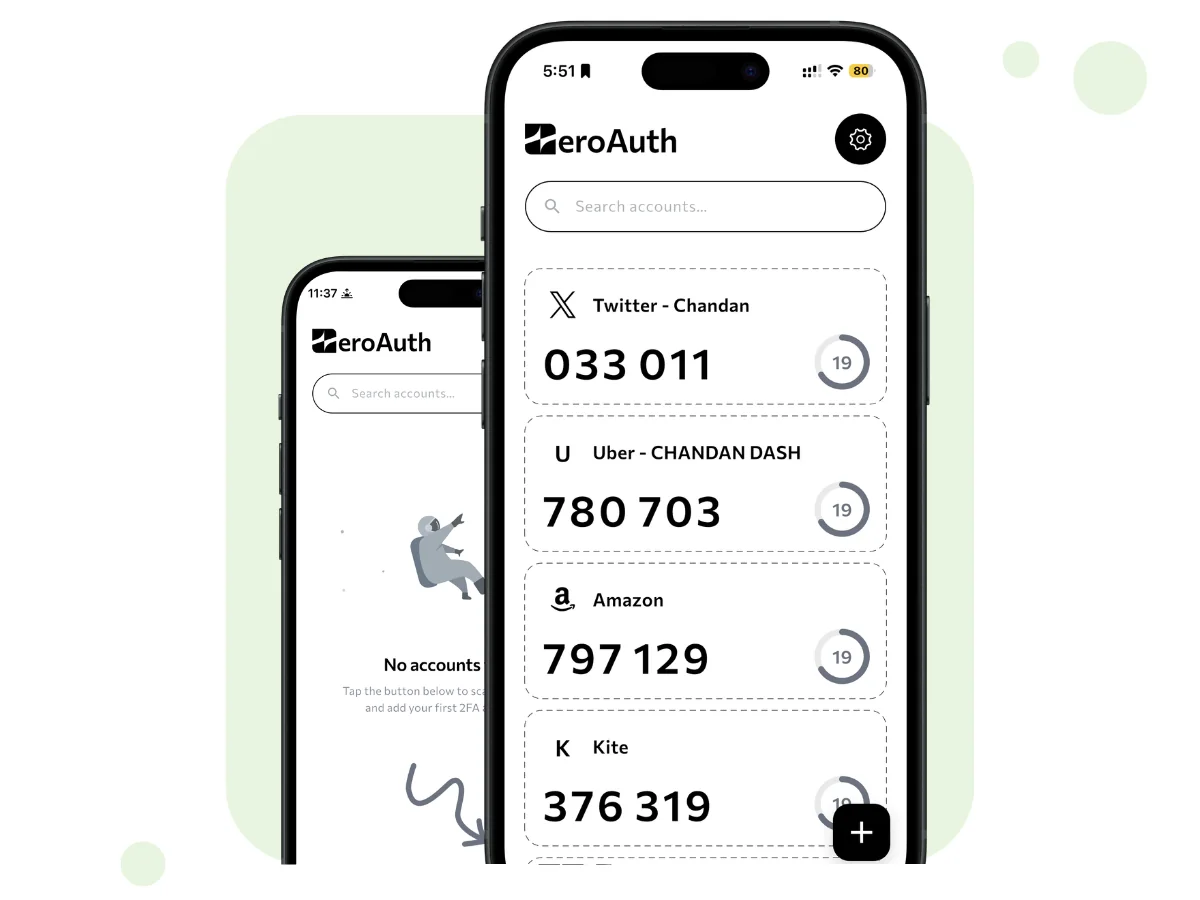
A privacy-first authenticator. Your two-factor codes are made on the phone, with no internet needed, and kept in an encrypted vault that never leaves it.

On the App Store and Google Play
- The problem
- Many authenticator apps sync your secret keys to the cloud, where one breach can expose every code.
- What we fixed
- ZeroAuth makes your codes on the phone, with no internet needed, and keeps the keys in an encrypted vault that never leaves it.
Inside ZeroAuth
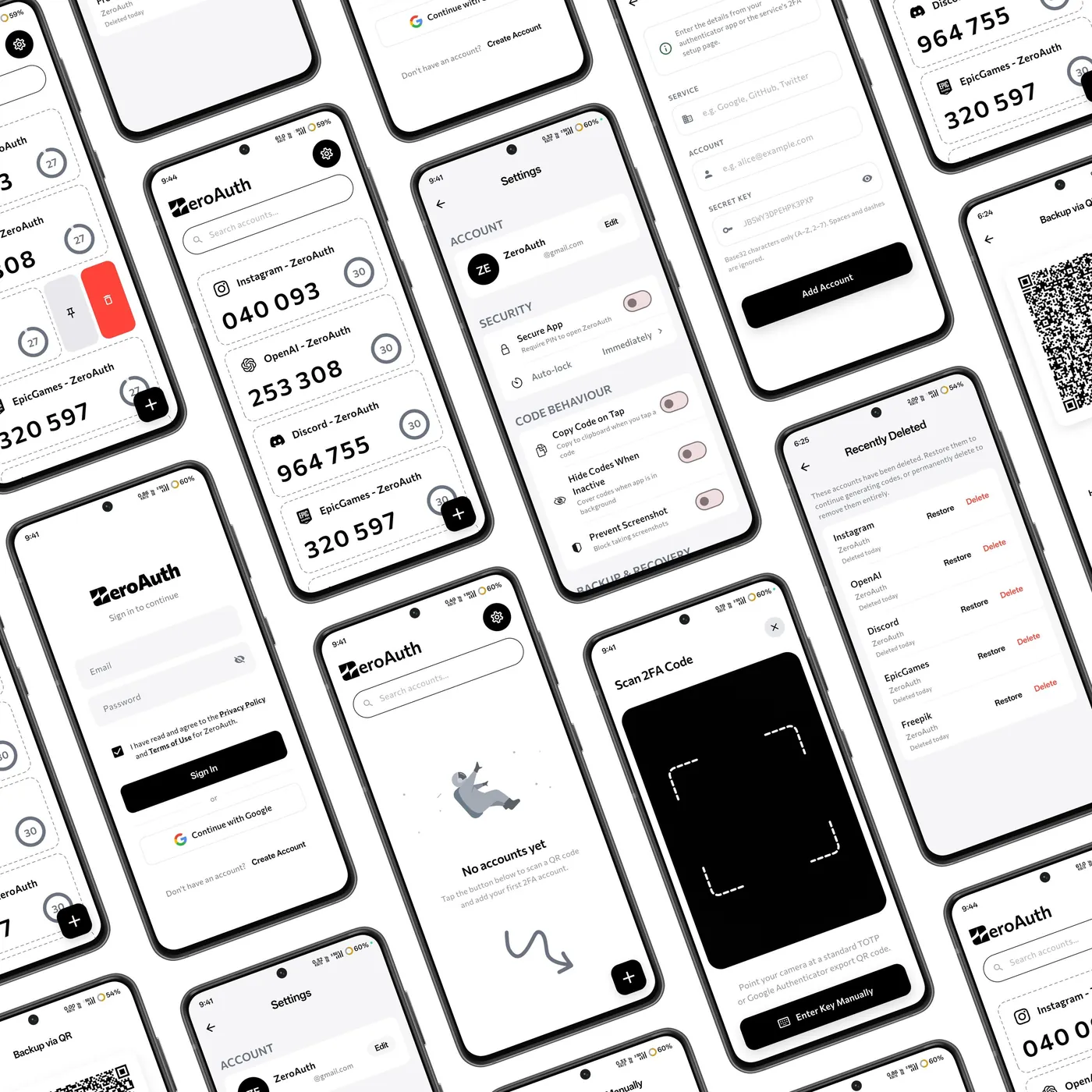
The code list, the QR scanner, settings and sharing, from the ZeroAuth app.
How it works
Scan
Scan the QR code a website shows when you turn on two-factor sign-in, or type the key yourself.
Encrypt on the phone
ZeroAuth encrypts the secret with AES-256-GCM and keeps the key in the phone's secure hardware.
Use the code
Codes refresh in the app and show up in your keyboard through Apple AutoFill and Android Autofill.
What you get
Codes work offline
Time-based codes are made on the phone, with no internet connection.
Autofill
Codes, usernames and passwords appear in your keyboard. No app switching or copy-pasting.
Passkeys
Works with FIDO2 and WebAuthn passkey sign-in on iPhone and Android.
Travel Mode
Remove the vault from the phone before crossing a border, so there is nothing on it to seize.
Secure sharing
Share access with a one-time encrypted QR code instead of a plain-text message.
Breach alerts
Checks whether a password has appeared in a breach, using a method that never sends the password.
Password generator
Strong passwords and usernames made on the phone.
Encrypted backup
Export your vault as a file encrypted with AES-256 and a passphrase you choose.
What ZeroAuth does, and what it avoids
Does
- Keeps your data on your own phone
- Encrypts with AES-256-GCM
- Holds keys in the iOS Keychain or Android Keystore, unlocked by PIN, Face ID or fingerprint
- Works fully offline for codes and the vault
Avoids
- Cloud sync that exposes key material
- Telemetry, trackers and plain-text logs
- Sending passwords or 2FA seeds online
- Custom, home-made cryptography
ZeroAuth does not send, sync or store your passwords, account credentials or 2FA seeds on its servers. They leave the phone only if you export an encrypted backup.
Get ZeroAuth
On the App Store and Google Play
- Platforms
- iPhone and Android
- Encryption
- AES-256-GCM, PBKDF2 key stretching
- Unlock
- PIN, Face ID, Touch ID or fingerprint